WebTop-5: Enable and use action auditing
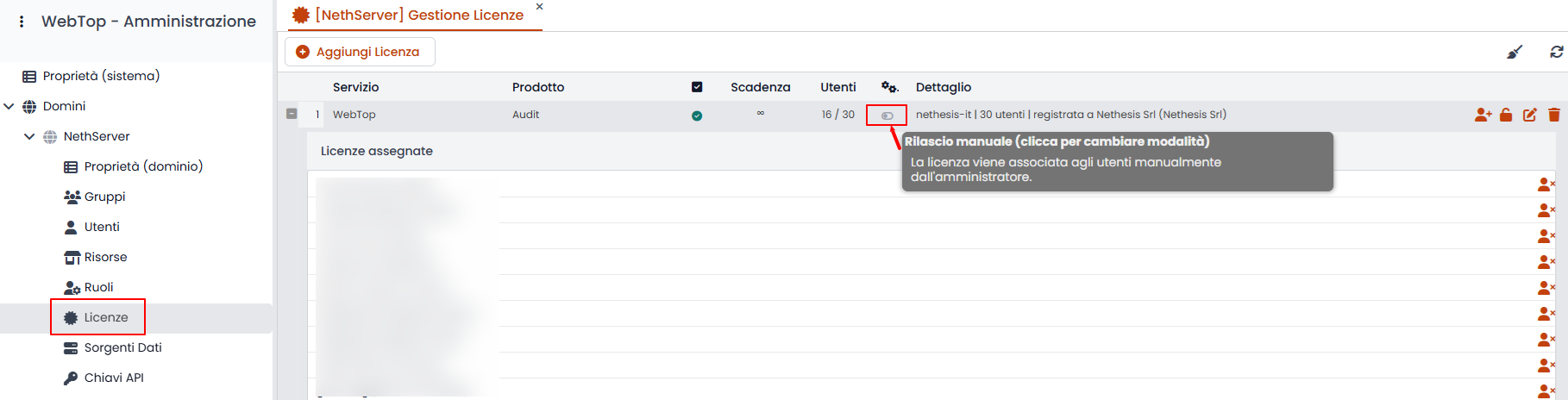
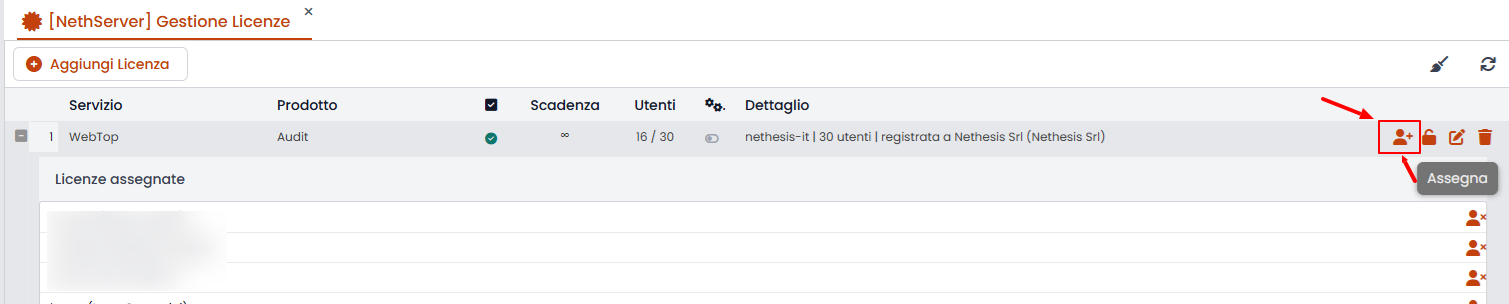
This feature requires a license. After you activate it in the admin panel, assign licenses to the users who need access to the audit window.
Licenses can be assigned automatically or manually from the license panel.
Users with the required permission see these buttons on each email:
- Viewed by
- Replied by
- Forwarded by
- Printed by
- Marked by
- Action log summary
Contacts, events, and activities show only the action summary button.
The audit records the VIEW action differently depending on whether the read/unread state changes manually or automatically on a shared account.