WebTop-5: Configure the mailto: protocol in the browser
When you connect mailto: to WebTop, clicking an email address on a web page opens a prefilled compose window in your browser.
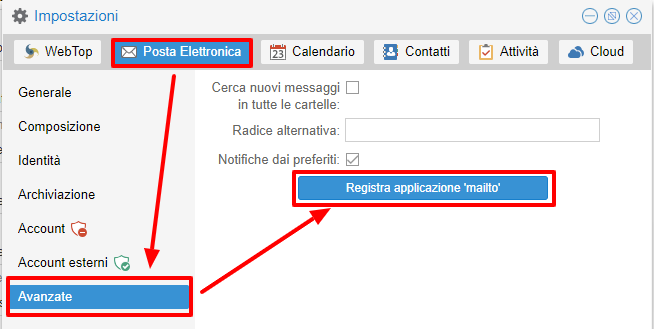
You can activate it from the banner that appears after login or from User settings → Mail → Advanced.
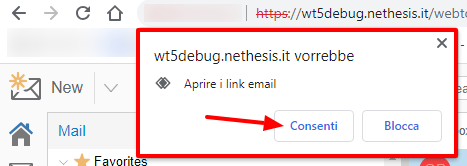
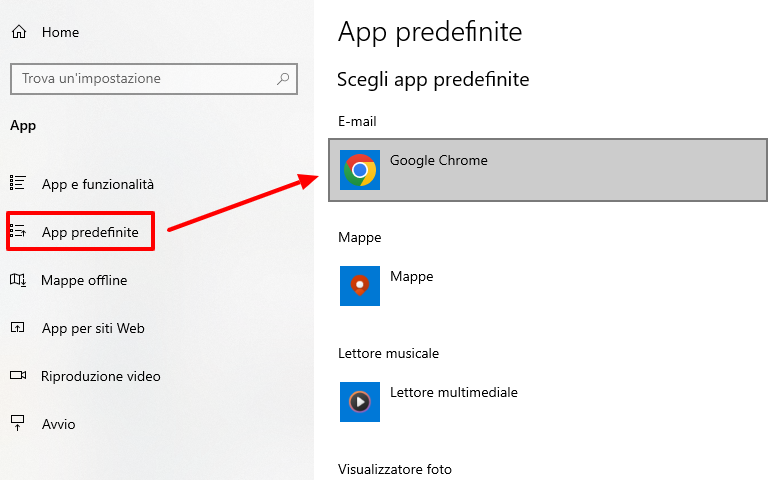
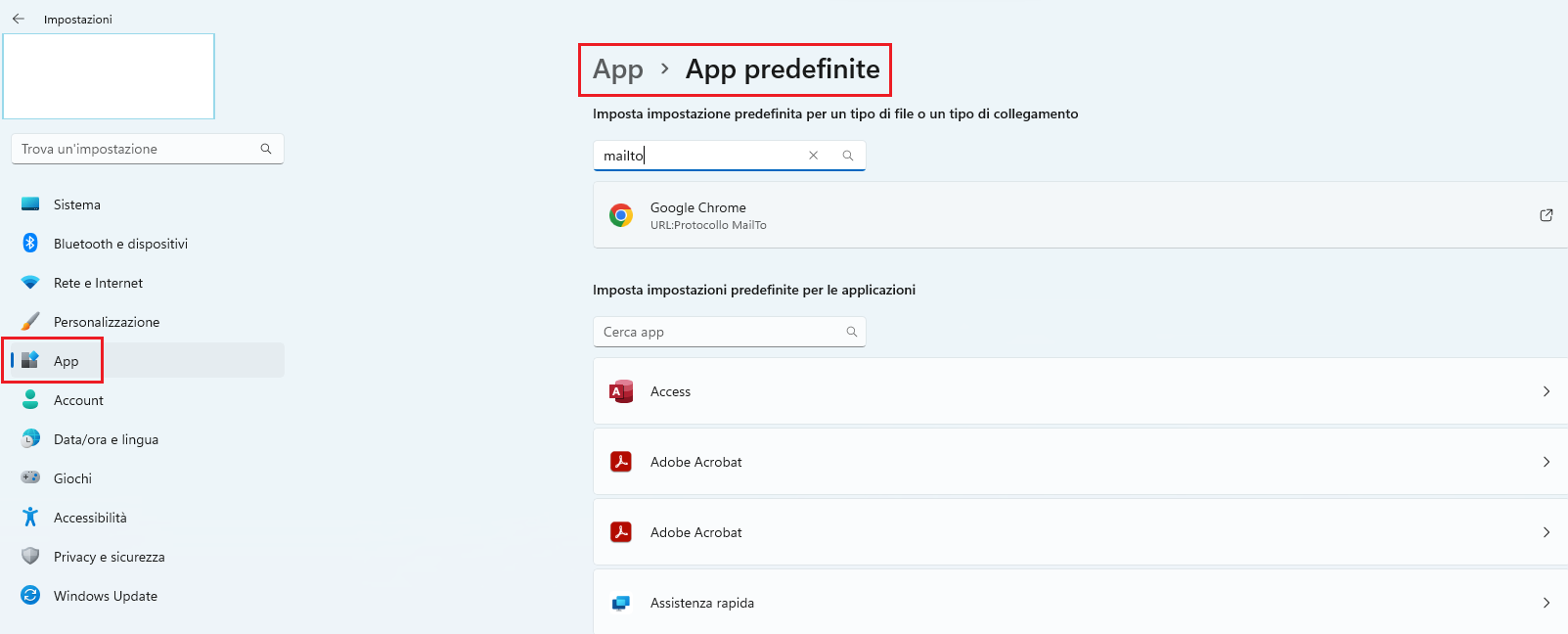
If you use Google Chrome, WebTop asks for confirmation and Windows may also ask you to set the browser as the default email app.
If you already used another web app for mailto:, open chrome://settings/handlers and choose the default handler again.
Firefox shows its own confirmation prompt. Then set the default email application from Settings → General → Applications.