WebTop-5: Use the Mailchimp integration
This integration synchronizes personal address books with Mailchimp so you can manage contacts from WebTop only.
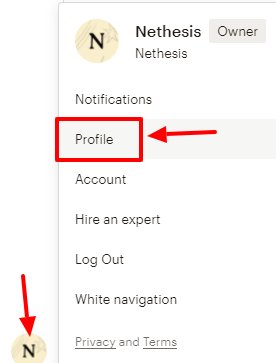
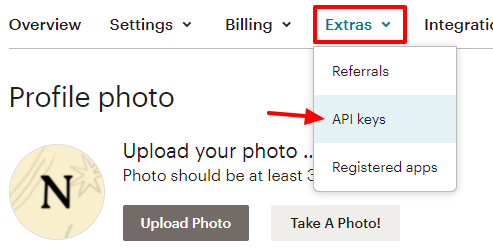
The setup requires a license. After you activate it in the admin panel, create or retrieve the Mailchimp API key from Extras → API Keys and create it if needed.
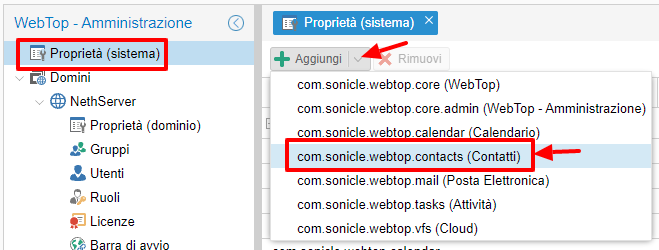
Then add the key in WebTop as a global setting for com.sonicle.webtop.contacts:
mailchimp.apikey
You can also set a personal API key for specific users if needed.
Users are not allowed to use the integration by default. Grant the MAILCHIMP permission to the required users or groups.
From the Address Book or category context menu, users can select Sync with Mailchimp and follow the wizard:
- Synchronize to Mailchimp.
- Receive new subscriptions.
- Start the synchronization.
Tags sync from WebTop to Mailchimp only, while contacts can sync in both directions.
Mailchimp does not delete contacts. During synchronization, deleted contacts remain untagged in Mailchimp.