WebTop-5: Use an alternative root
Use an alternative root when you share an impersonation account and want to hide your own folders.
This setup requires two things:
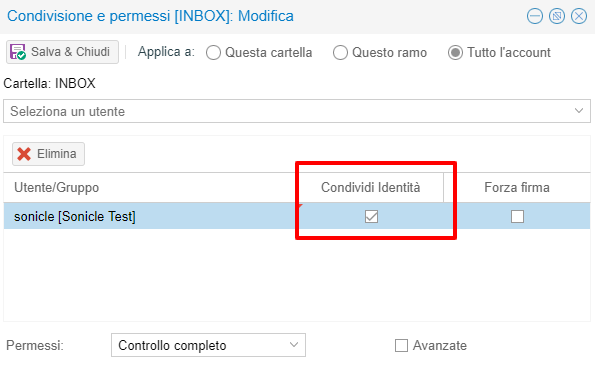
- The shared account must enable Share identity when you share it.
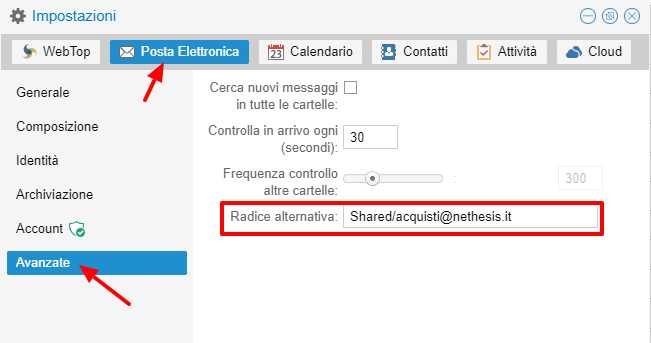
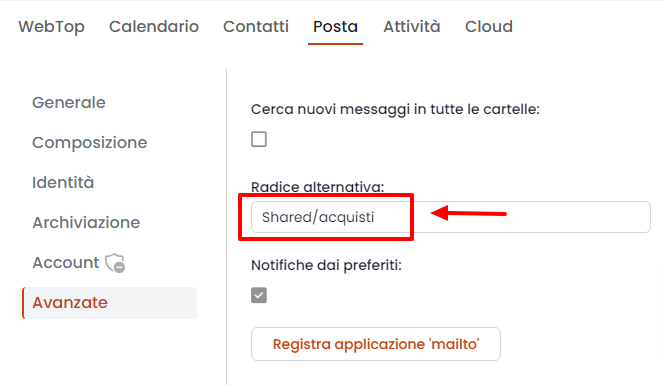
- In your personal settings, set the alternative root.
On NS8, enter the path without @domain. For example, use Shared/acquisti.
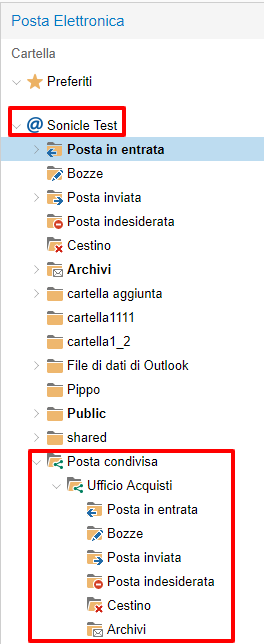
After you close the window, WebTop asks you to reconnect. At the next login, the shared account folders appear as your personal folders.
note
With an alternative root, you cannot access public folders.